
Why the n8n interface sometimes isn’t enough
The n8n interface works fine in itself, but I sometimes struggle with three things:
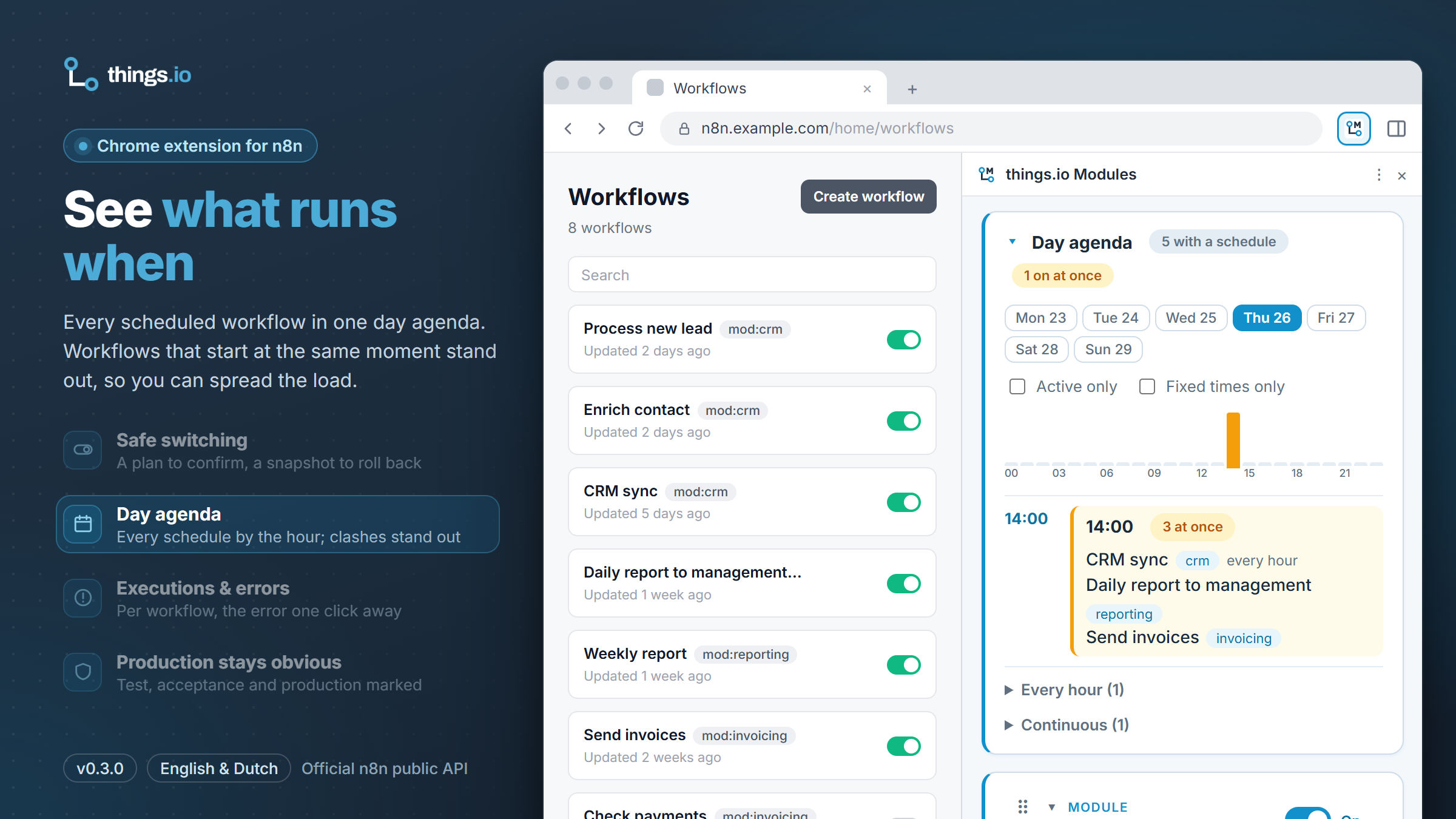
- an overview of exactly when they run in a daily schedule
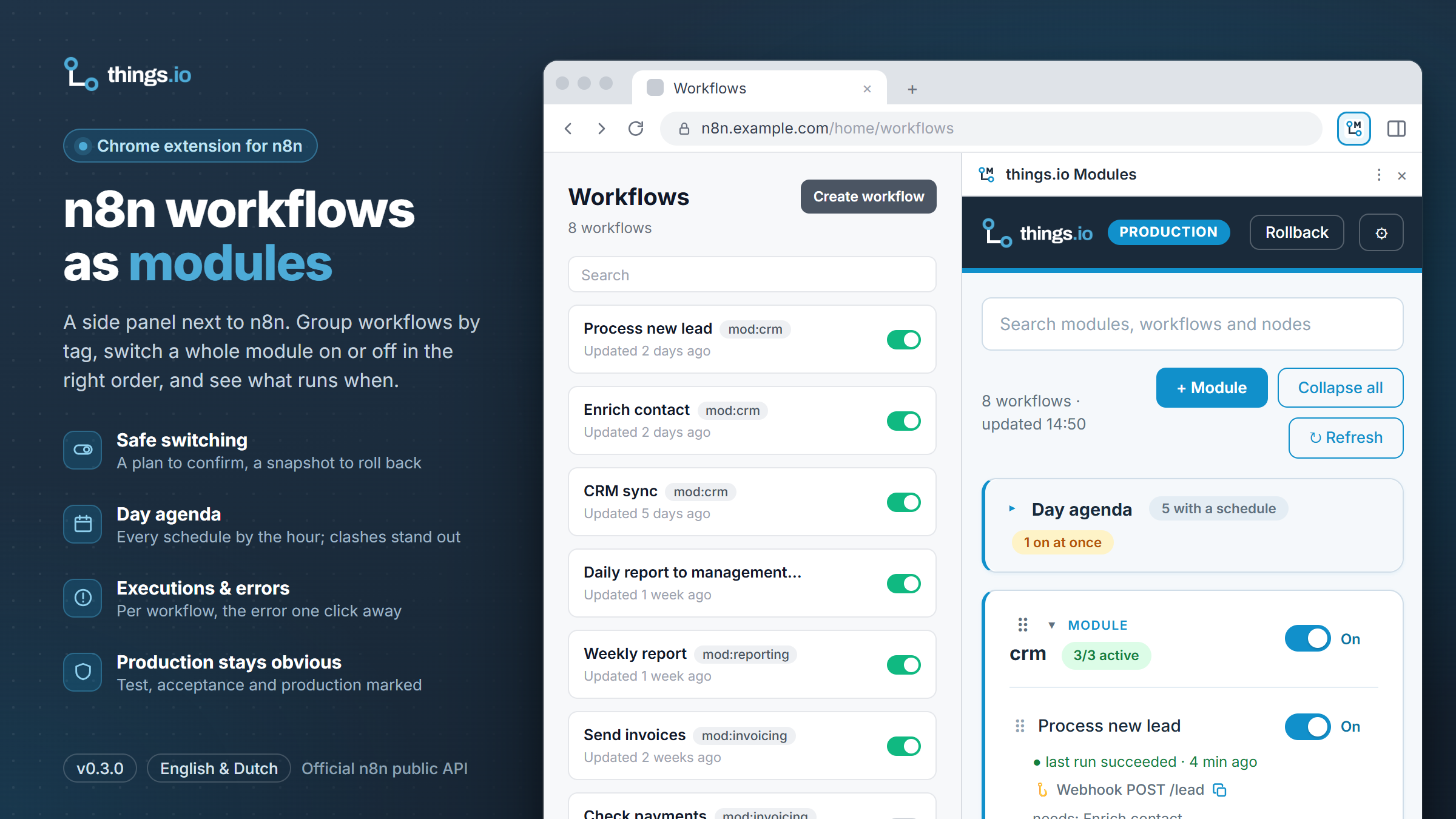
- I sometimes link workflows to applications and want to see them grouped together
- I want to see the relationship between subflows and workflows
Why a Chrome extension?
A Chrome extension is a quick and simple way to add extra functionality with context from the site/page. It’s available with one click and looks clean.
What does this n8n Chrome extension do?
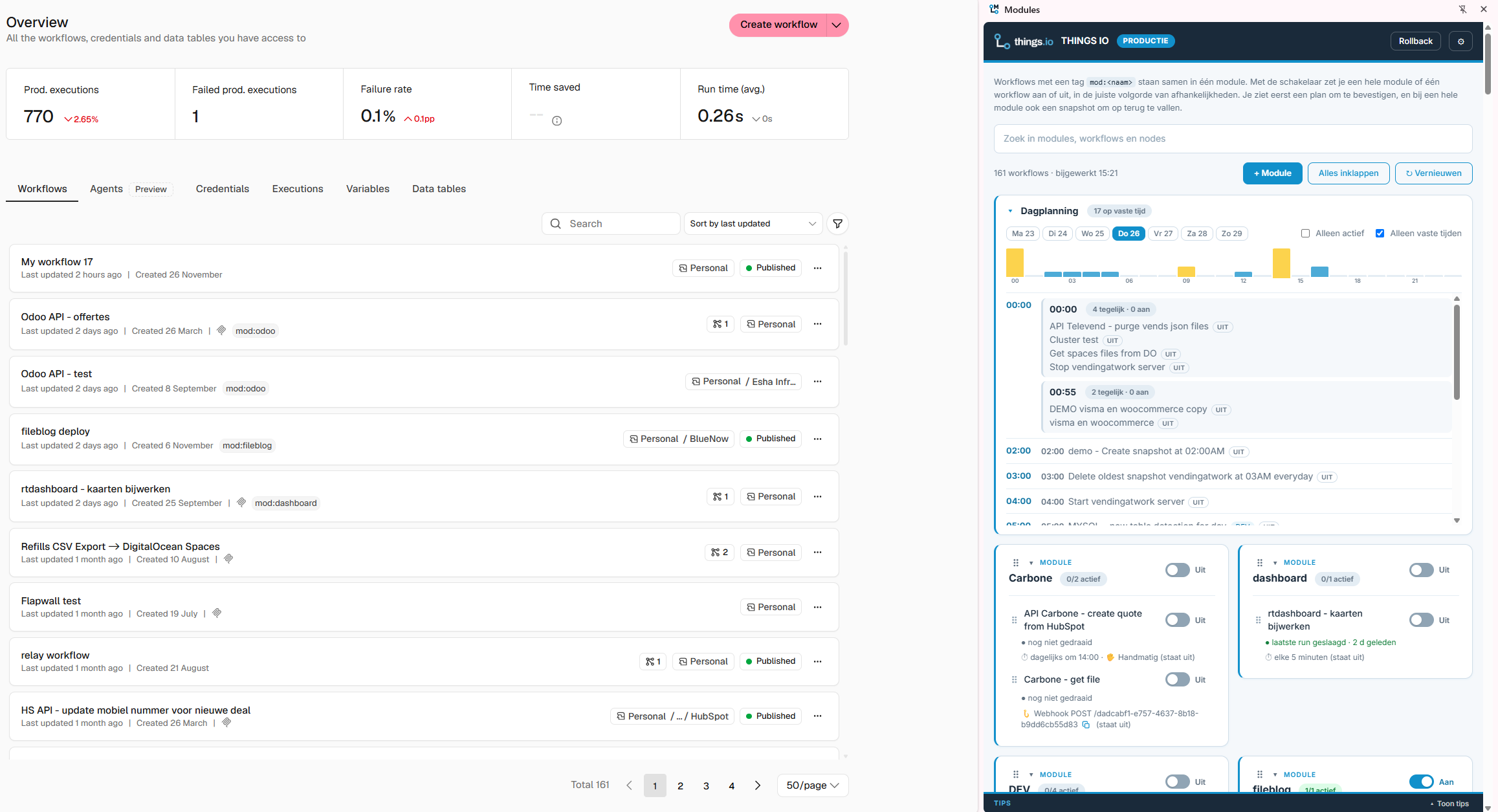
It’s an extension for your n8n environment(s) that displays information in two ways:
- overview of all workflows, exactly when they run, and whether they belong to a module you’ve created
- executions of a workflow when you’re inside a workflow
How it works We use tags to organize workflows into modules. This is done automatically via the n8n API.
Is it safe? It’s quite safe because we do everything locally. You can also create an API key with limited permissions for extra security.
We send everything over https and nothing leaves your computer unintentionally.
Extend the code yourself
It’s MIT licensed and everything is on GitHub. We’ve also added markdown so you can continue developing the extension yourself.
And be kind to me, this is my first GitHub project in years :-)